



The GPU world in 2025 is a wild, silicon-strewn wasteland of numbers, branding, and price tags that look like boss fight difficulty sliders. Whether you’re upgrading for smoother frame rates, building your first rig, or trying to keep up with the demands of modern games (and modern electricity bills), knowing what to look for in a graphics card can feel like decoding an ancient runic language carved by NVIDIA, AMD, and Intel themselves.
But don’t worry—we’ve parsed the specs, decoded the marketing hype, and built this guide to help you find the right GPU for your budget, your setup, and your gaming goals. No fluff, no filler, no “can it run Crysis” jokes (well, maybe just one).
The Great GPU Triangle: Price, Performance, and Availability
In a perfect world, you’d buy a top-tier GPU for pennies and run Cyberpunk 2077 at 4K with full ray tracing while your PC quietly hums like a monk in meditation. In reality, you’re juggling the sacred GPU triangle: price, performance, and availability.
NVIDIA’s RTX 40 and 50 series, AMD’s RX 7000 and 9000 cards, and Intel’s growing Arc lineup dominate the shelves. Prices are (mostly) stabilizing after years of shortages, but the market is still a battlefield. Expect to spend anywhere from $250 for entry-level cards to well over $1,200 for top-tier monsters.
The rule of thumb? Don’t buy more GPU than you need. If you’re not playing in 4K or chasing 144Hz at Ultra settings, you can safely skip the high-end chaos.
Performance Tiers (aka: Pick Your Poison)
Entry-Level (1080p 60FPS)
Cards like the NVIDIA RTX 4060, AMD RX 7600, or Intel Arc B570 get you decent performance for popular titles like Valorant, Fortnite, or Resident Evil 4 Remake at 1080p.
- Ideal For: Casual gaming, esports titles, budget builds
- Avoid If: You want high-fidelity graphics or future-proofing
- Best Pick: Intel Arc B570 – Cheap and surprisingly capable.
Mid-Range (1440p 60–120FPS)
Think NVIDIA RTX 5070 Ti, AMD RX 7800 XT, or Intel Arc A770 (B770 coming in late 2025). These hit the sweet spot for most gamers, delivering strong 1440p performance across modern titles.
- Ideal For: Gamers who want detail without emptying their wallets
- Avoid If: You’re gunning for 4K Ultra everything
- Best Pick: NVIDIA RTX 5070 Ti – Future-ready with solid ray tracing and DLSS.
High-End (4K 60FPS or 1440p 144FPS)
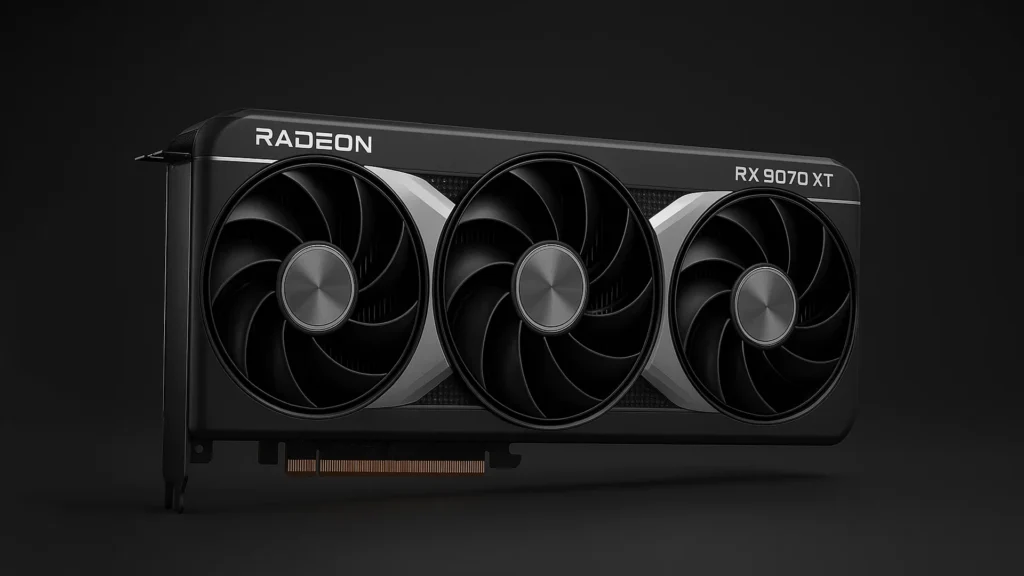
Cards like the NVIDIA RTX 5080 (Super variant coming in late 2025) or AMD RX 9070 XT are beasts. Or you can sacrifice a bit oExpect buttery visuals and wallet pain. These also excel in content creation and AI workflows.
- Ideal For: Streamers, creators, competitive gamers with high refresh-rate monitors
- Avoid If: You don’t need 4K or don’t want to remortgage your house
- Best Pick: AMD RX 9070 XT – The best overall card for 2025 in terms of performance and value.
Ultra/Enthusiast (4K 120FPS, RT on)
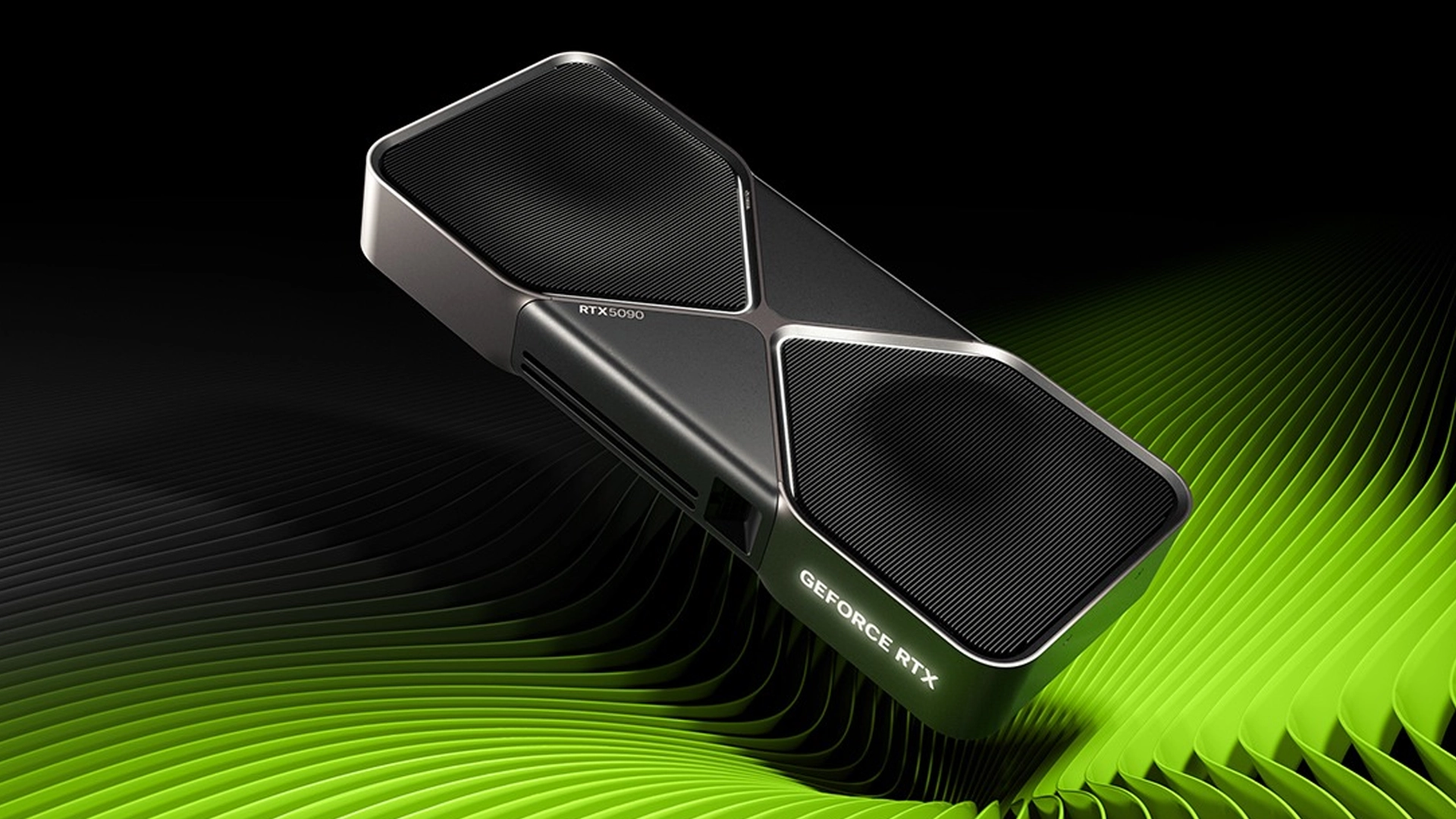
Enter the NVIDIA RTX 5090. It’s the absolute king of 2025 GPUs. It’s future-proof (for two or three years) and ready for whatever Starfield 2 throws your way.
- Ideal For: Hardware nerds, extreme settings fans, anyone benchmarking for fun
- Avoid If: You have rent due
VRAM: It Matters More Than You Think
VRAM is like your GPU’s backpack. 8GB is your bare minimum in 2025. For 1440p or any game with large texture packs (*looking at you, Hogwarts Legacy), 12GB is ideal. 16GB+ is the new gold standard for high-end gaming or mod-heavy titles.
Games like The Last of Us Part I and Alan Wake 2 are VRAM-hungry monsters. More VRAM helps prevent stutter, texture pop-in, and ruined immersion.
Ray Tracing & AI Upscaling: Hype or Help?
Ray tracing is gorgeous, no doubt. But it’s also demanding. If you want to keep it on, make sure your card supports DLSS 3, FSR 3.1, or XeSS 2 for AI upscaling. These tools let you enjoy fancy lighting and effects without tanking your FPS.
Don’t base your entire GPU purchase on ray tracing. It’s a nice bonus, not a must-have.
Bigger Isn’t Always Better (Case & PSU Compatibility)
Some modern GPUs are literal chonks. Triple-slot designs. Dual or triple fans. Some even come with support brackets like medieval weapons. Before buying:
- Check your case clearance (length and width)
- Check your power supply wattage and connectors (PCIe 5.0 cables, 12VHPWR, etc.)
There’s nothing more soul-crushing than realizing your dream card doesn’t fit in your case—or worse, that your PSU wheezes and dies on first boot.
Used GPUs: Still Worth It?
Secondhand cards are cheaper but riskier. Avoid anything heavily used for mining unless the seller is reputable and the price reflects potential wear. Focus on cards released in the last 3 years. Use tools like GPU-Z to check for BIOS tampering or weird stats.
Brand vs. Brand: NVIDIA, AMD, or Intel?
- NVIDIA: Best for ray tracing and AI features (DLSS). Pricy but polished.
- AMD: Great raw performance per dollar. FSR catching up fast.
- Intel: Budget king for 1080p and respectable driver improvements.
So… Which GPU Should You Buy?
There is no “one GPU to rule them all.” It depends on:
- Your budget
- Your monitor resolution and refresh rate
- Your preferred games
- Your upgrade timeline
If you game at 1080p and don’t care about ray tracing, something like the RX 7600 or Arc B570 is fine. 1440p gamers should look at the RX 7800 XT or RTX 5070 Ti. 4K or competitive players? RTX 5080 or RX 9070 XT are your jam.
Final Thoughts: Buy Smart, Not Just Big
GPU shopping in 2025 doesn’t have to be painful. Do your homework, match your hardware to your needs, and don’t get seduced by flashy specs that won’t matter for your actual games.
Buy for now—not what you might play two years from now. And whatever you pick, make sure it fits your case, your PSU, and your playstyle.
Happy hunting, and may your frames be high and your temps be low.
